
Images & video
AI image generation (text-to-image)
Describe what you want and Shmooz generates a unique image in seconds. Works with detailed prompts, styles, and creative directions.
3 min
How to do it
- 1
Describe your image
Send a message like "Product photo: white sneakers on black marble, studio lighting" or "Design a luxury logo for my fashion brand."
- 2
Add style details
Include art style, colors, mood, and composition for better results. Example: "cinematic lighting, 4K, photorealistic."
- 3
Refine with follow-ups
Not quite right? Say "make the sky more purple" or "add a person on the dock" — Shmooz iterates on the result.
Pro tips
- •Switch to Flux Klein via /model for dedicated image generation.
- •Animate any image into video — see our image-to-video guide.
Example conversation

Shmooz AI
online
Product photo for my Instagram shop: premium white sneakers floating above black marble, studio lighting 👟
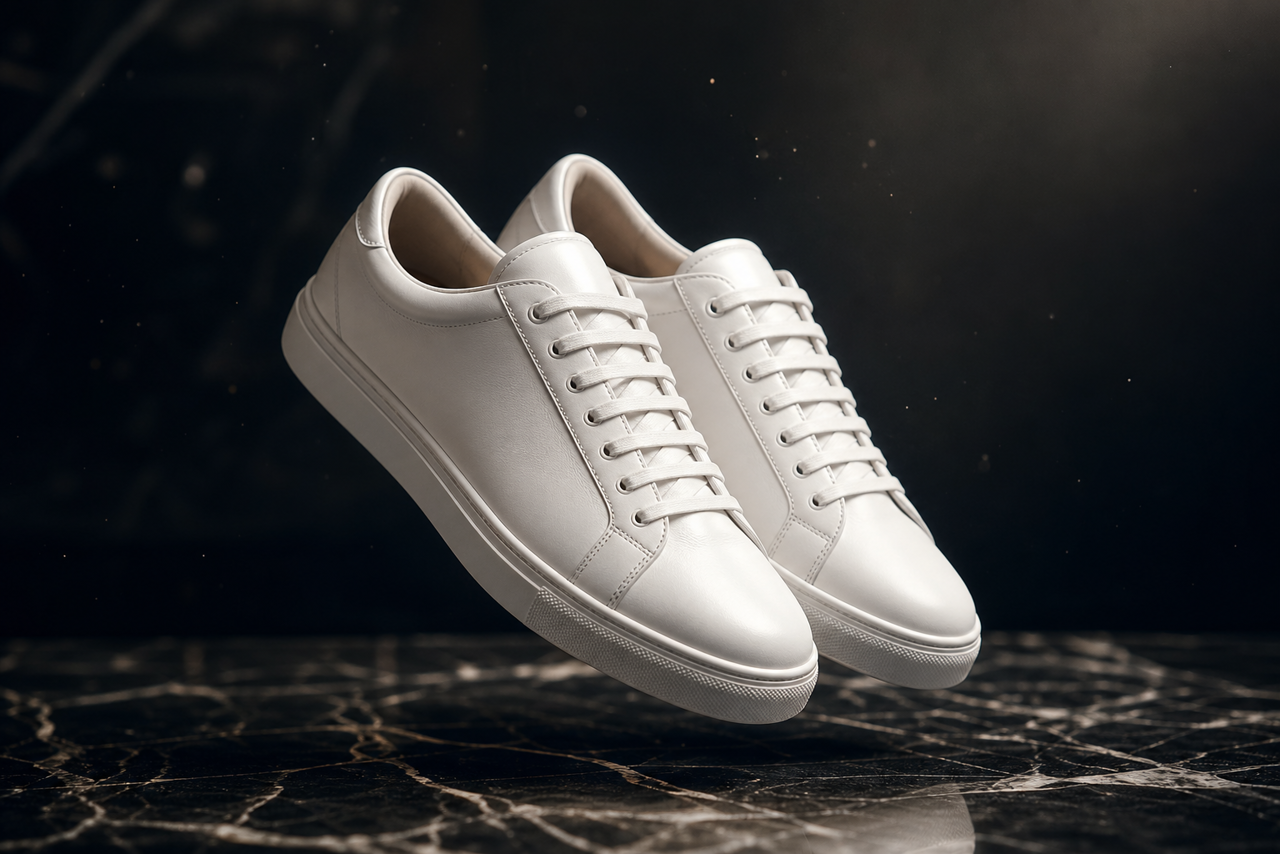
Here's your e-commerce ready shot.
12:05Create another variation of this ad — but with electric blue shoes
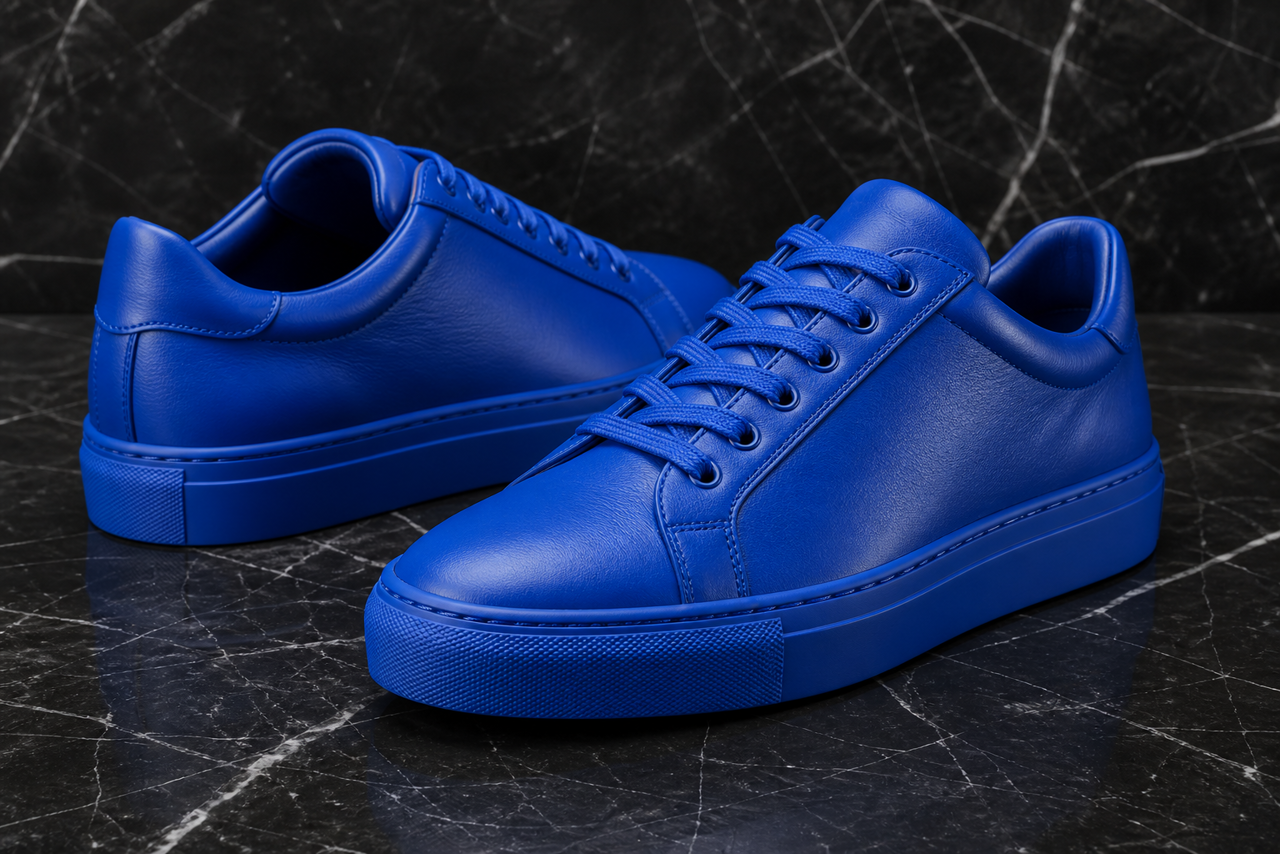
Here's a fresh blue-sneaker version for your shop.
12:05Related guides
Images & video
Image to video — animate any photo
Turn any photo or AI image into a 2–10 second cinematic video clip on WhatsApp or Telegram with Shmooz AI.
Images & video
Text to video — clips from a prompt
Generate 2–10 second AI video clips from a text description on WhatsApp or Telegram — no source image needed.
Images & video
Image editing & image-to-image transforms
Edit AI images and transform photos with natural language on Shmooz — change styles, add elements, or reimagine scenes.
