
Images & video
Image editing & image-to-image transforms
Send an image or reference a recent creation, then describe the changes you want. Shmooz handles style transfers, additions, and creative edits.
3 min
How to do it
- 1
Send your image
Upload a photo or point to a recent AI image. Say what you want changed.
- 2
Describe the edit
"Make this look like a Studio Ghibli scene" or "Remove the background and add a beach."
- 3
Chain edits
Keep refining — each follow-up builds on the last result until you're happy.
Pro tips
- •Works with uploaded photos and AI-generated images.
- •Be specific about what to keep vs. what to change.
Example conversation

Shmooz AI
online
[photo uploaded]
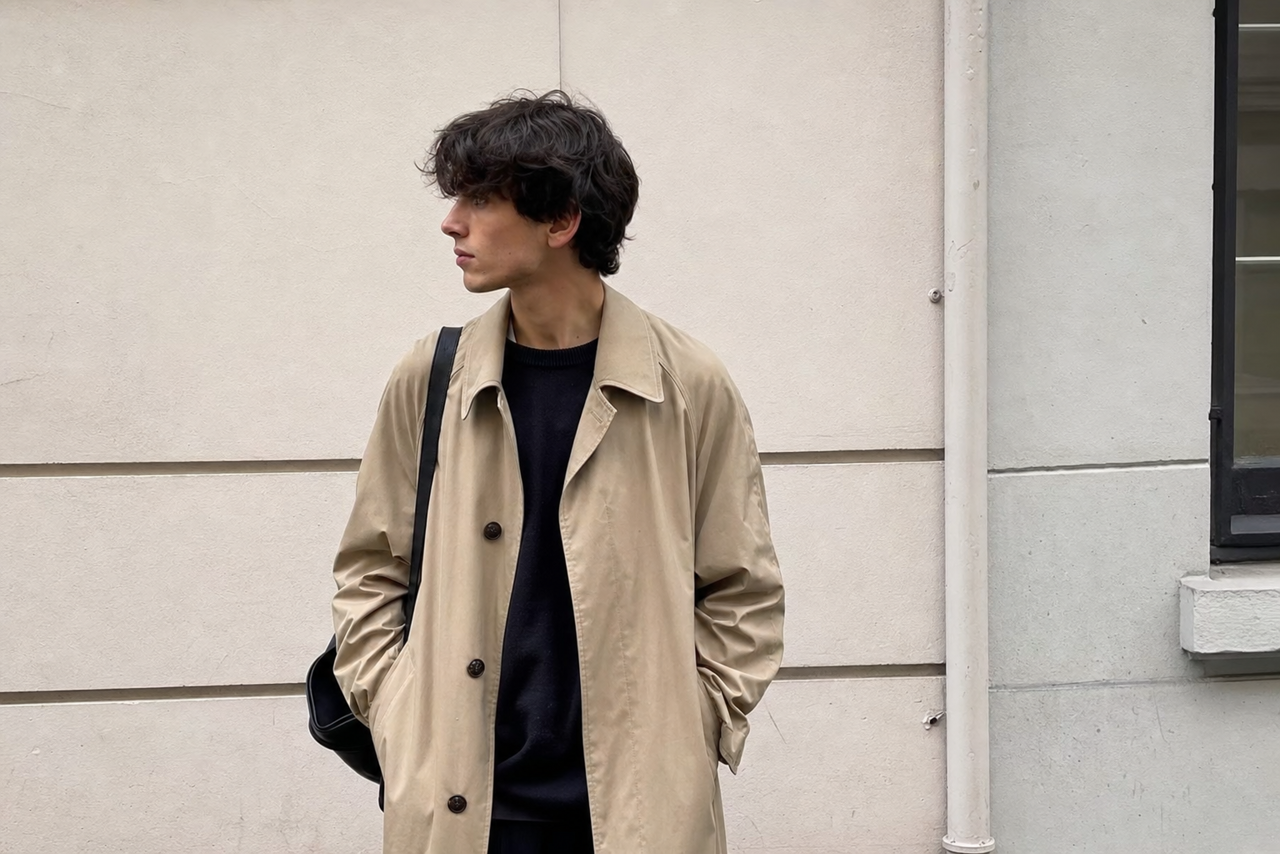
Got it — here's your photo.
12:05Create another variation — this time in Studio Ghibli illustration style
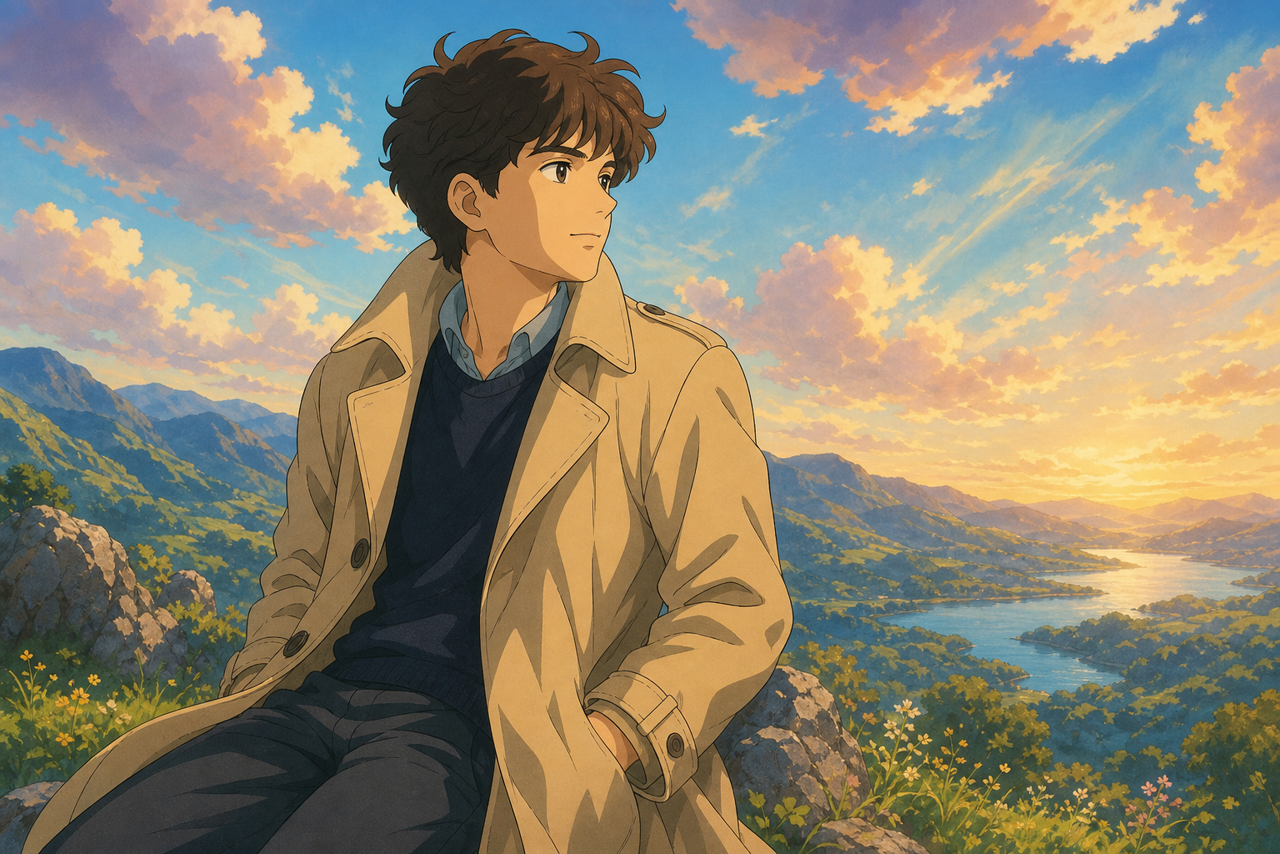
Done — soft painted Ghibli illustration vibe.
12:05Related guides
Images & video
AI image generation (text-to-image)
Create AI images from text prompts on WhatsApp or Telegram with Shmooz — powered by Flux Klein. No app needed.
Images & video
Image to video — animate any photo
Turn any photo or AI image into a 2–10 second cinematic video clip on WhatsApp or Telegram with Shmooz AI.
Images & video
Text to video — clips from a prompt
Generate 2–10 second AI video clips from a text description on WhatsApp or Telegram — no source image needed.
