
Images & video
Image to video — animate any photo
Send a photo or reference a recent AI image, describe the motion you want, and get a short cinematic clip — no editing app required.
3 min
How to do it
- 1
Send or reference an image
Upload a photo or ask Shmooz to animate the last image it created. You can also generate an image first, then animate it.
- 2
Describe the motion
Say something like "animate this — gentle waves, 6 seconds" or "make the clouds drift slowly, cinematic."
- 3
Choose clip length
Videos can be 2, 5, or 10 seconds. Video credits are purchased separately from your chat subscription.
Pro tips
- •Works with photos you upload or AI images Shmooz just created.
- •Golden hour and nature scenes animate especially well.
Example conversation

Shmooz AI
online
Create a cinematic photo: stylish woman in sunglasses walking neon Tokyo streets at night 🌃
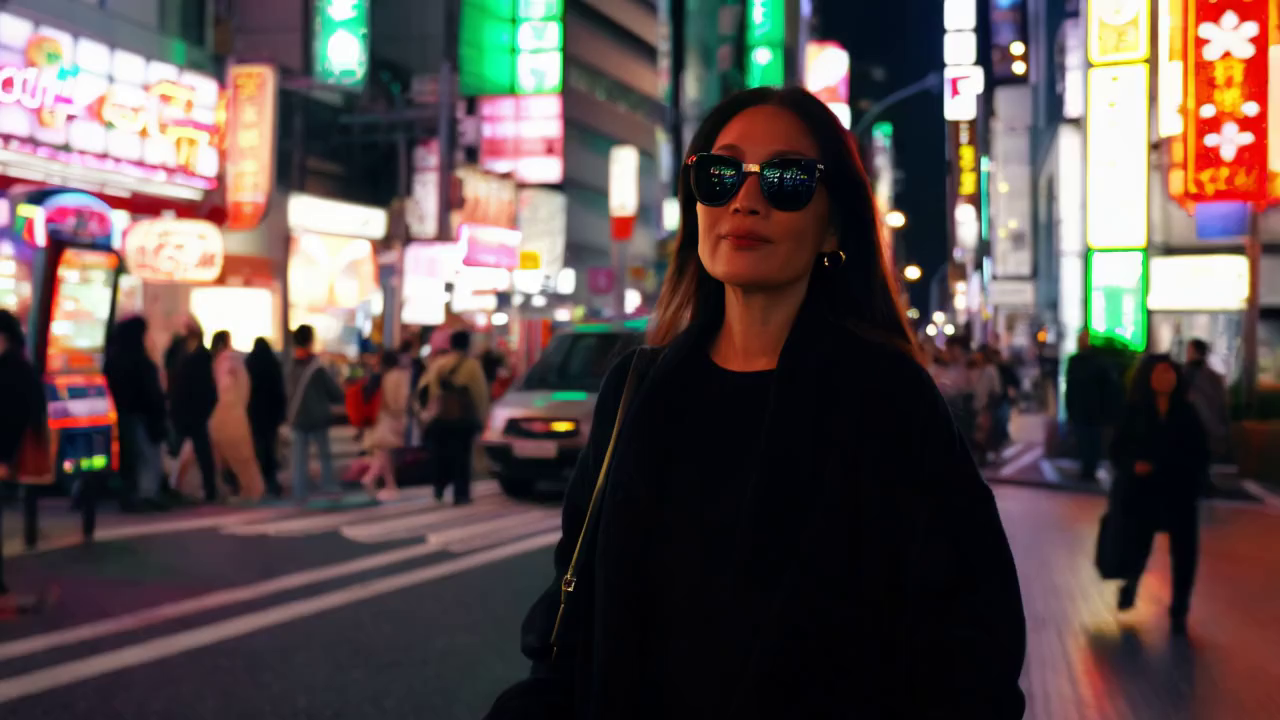
Here's your AI image — magazine-ready lighting.
12:05Want me to turn it into a 6-second cinematic video?
Yes — animate her walk, neon reflections on wet pavement
Your clip is ready — Instagram ad vibes ✨
12:06Related guides
Images & video
AI image generation (text-to-image)
Create AI images from text prompts on WhatsApp or Telegram with Shmooz — powered by Flux Klein. No app needed.
Images & video
Text to video — clips from a prompt
Generate 2–10 second AI video clips from a text description on WhatsApp or Telegram — no source image needed.
Images & video
Image editing & image-to-image transforms
Edit AI images and transform photos with natural language on Shmooz — change styles, add elements, or reimagine scenes.
