
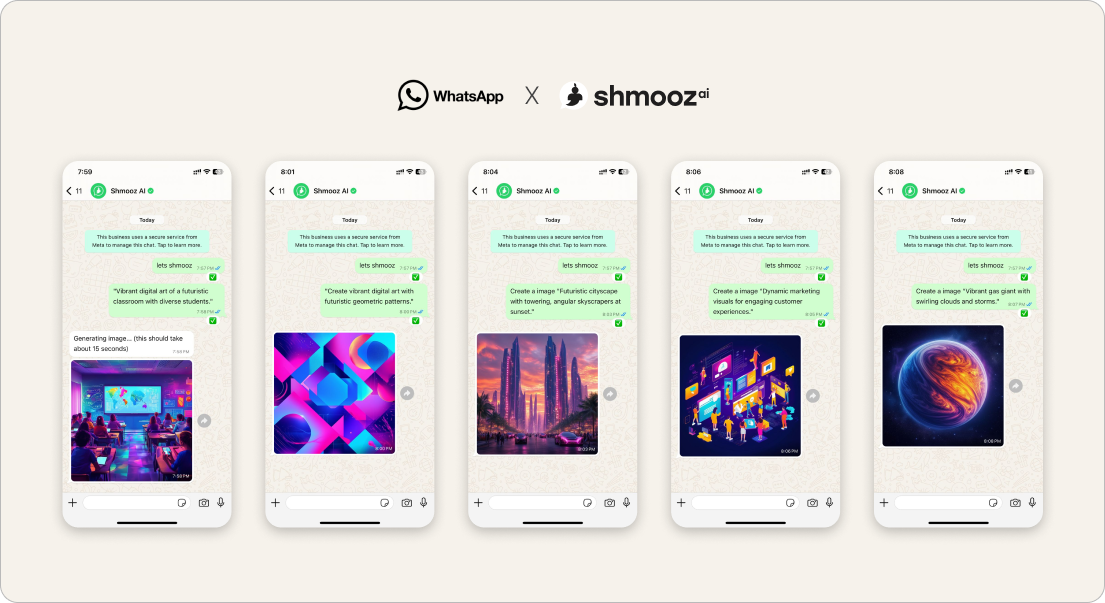
Product reality (Sep 6): sticky Israel create payers often hire a same-face, new-background loop — move one person onto a beach, office, or party scene, then keep editing that look. Meta’s free Muse path covers one-shot hygiene; our edge is keep editing this face on a new background, then soft-land a small image pack when free image creates hit zero — even if video seconds remain.
This door is not careful light/crop personal photo polish, not generic keep editing any photo, not a brand logo, not a certificate or poster, and not a product marketplace ad. Here the job is one recognizable face → new scene → refine → pack at zero.
Honesty: expect the result as an image inside WhatsApp. If you only get a link that won’t open, ask again for the image in chat. Free creates are limited. We never invent pack prices — the chat names the pack. Not Meta, not WhatsApp Support. Tasteful edits you control — not deepfake spam of strangers.


Same face, new background
Send one photo of the person, name the new scene, keep editing that same face — then a small image pack at zero. Expect the result as an image in chat.
How to finish same-face / new-background in WhatsApp
- Open Shmooz on WhatsApp and save the chat.
- Send one clear photo of the person (face visible, decent light).
- Name the job once: “Same face — put them on a beach at sunset” or “Keep this person, new office background, soft light.”
- When it’s close: say keep editing this face — one change at a time (background clutter, lighting, crop). Do not re-upload unless the chat lost the photo.
- Ask “how many free image creates left?” when you want an honest balance.
- At zero free images while you still want more scenes: ask for a small image pack — not every yearly plan. See image pack. Come back day two for the next scene.
Prompts that protect the wow
- “Same face — new background only: [scene]. Keep skin natural.”
- “Keep editing this face on the new background — less clutter behind them.”
- “Out of free AI images on this face set — small image pack, not a yearly plan.”
- “Send the result as an image in WhatsApp, not only a link.”
Related doors
- Edit personal photos — light, crop, careful polish (not scene swap)
- Keep editing this photo — any image continue-edit
- AI logo keep-editing — brand marks
- Certificate or poster — diplomas and event posters
- AI image pack — out of free stills
Same face, new background
Send one photo of the person, name the new scene, keep editing that same face — then a small image pack at zero. Expect the result as an image in chat.
FAQ
Is this the same as editing a personal photo?
No. Personal polish is softer light and crop on the photo you already like. This page is moving the same face onto a new background / scene, then keep editing that set.
Why did I only get a link?
The finish should arrive as a WhatsApp image. If you only see a broken link, ask again for the image in chat — product owns delivering media, not bare URLs.
Why not a yearly plan?
When the desire is more still edits of one face across scenes, a small image pack matches the job. Chat names the pack — we don’t invent prices here.

ALL Systems Operational