
Searching for a WhatsApp marketplace ad or product poster is a different job from “make any AI image.” You already know the product, the price, and where it will post — you need a commercial visual, then a caption that matches.
Real usage tip: when a clear ad brief hits an image limit, the useful next step is keep editing this ad — not a dump of search, voice, or docs. And a full commercial brief (prices, warranty, as-is notes) should drive the first image, not a long chain of style questions that burn free messages.
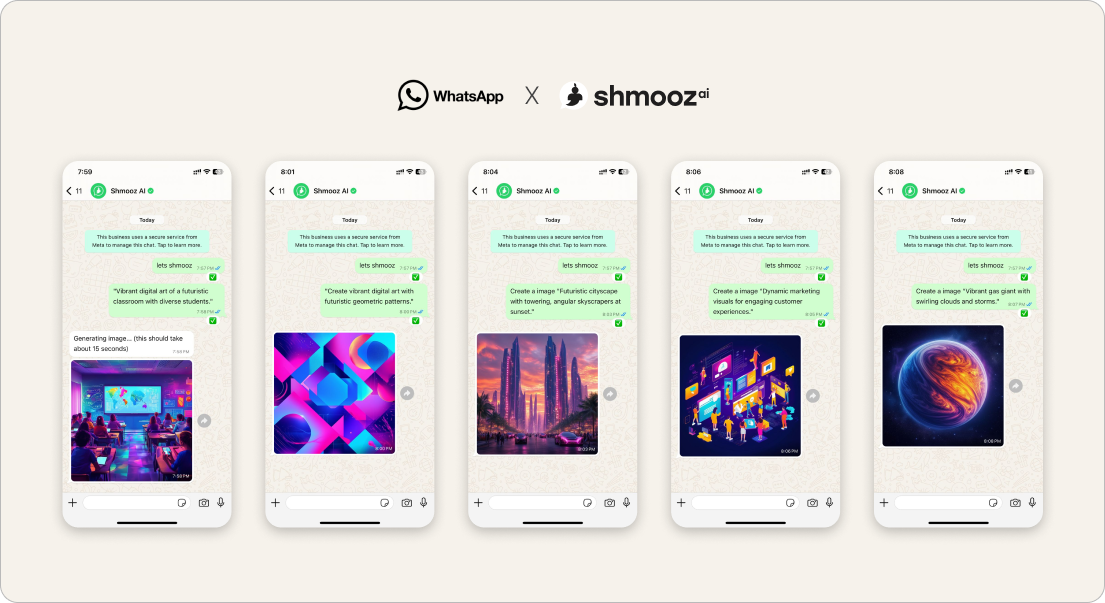
Shmooz sits inside WhatsApp. You describe the listing once, refine the poster, then ask for listing text. Not Meta, not WhatsApp Support. We do not claim unlimited free forever.


Design the marketplace ad in WhatsApp
Describe the product, prices, and style once — get a poster, then keep editing that same ad. Add a listing caption when you’re ready. You stay in control.
How to design a marketplace ad in WhatsApp
- Open Shmooz on WhatsApp and save the chat.
- Send one commercial brief: product name, key details, price, warranty / as-is, audience, and style (clean poster, Hebrew text on image if needed, marketplace-ready).
- Ask for the poster first. Then say “keep editing this ad” with one change at a time (text size, background, crop).
- When the visual is close, ask for a short marketplace caption / listing description in the same thread.
Prompts that work
- “Poster for a marketplace listing: [product], price [X], clean photo style, Hebrew headline, no fake logos.”
- “Same ad — keep editing: larger price, simpler background, less clutter.”
- “Write a short WhatsApp marketplace caption for this poster — honest, no spam tone.”
- “English caption for the same listing” — see also Hebrew → English for outreach.
Not the same as other image doors
- Marketplace / commercial ad — this page: poster + keep-editing + listing caption
- Generate — any new picture from a prompt
- Edit — transform a photo you already have
- Keep editing this photo — refine the last image without re-send tax
- Ask / opinion — judge a photo without rendering
- Reply from photo — turn a picture into a message draft
Related jobs
- Listing caption — paste product details → honest marketplace text (text sibling)
- Letter coach — apology / “what should I send” (sibling cash job)
- Draft WhatsApp replies
- Hebrew AI on WhatsApp — keep copy in Hebrew
- Write in my style
Design the marketplace ad in WhatsApp
Describe the product, prices, and style once — get a poster, then keep editing that same ad. Add a listing caption when you’re ready. You stay in control.
FAQ
Will Shmooz post the ad for me?
No. You download or forward the poster and paste the caption yourself into the marketplace or chat.
What should I do when I hit the free image limit?
Ask to keep editing the same ad — don’t restart with a feature catalog. Paid plans appear when you need higher limits; we don’t invent unlimited free forever.
Is this for spam blast ads?
No. This guide is for honest product / marketplace listings you control. Mass spam risks bans and is not what Shmooz is for.

ALL Systems Operational