
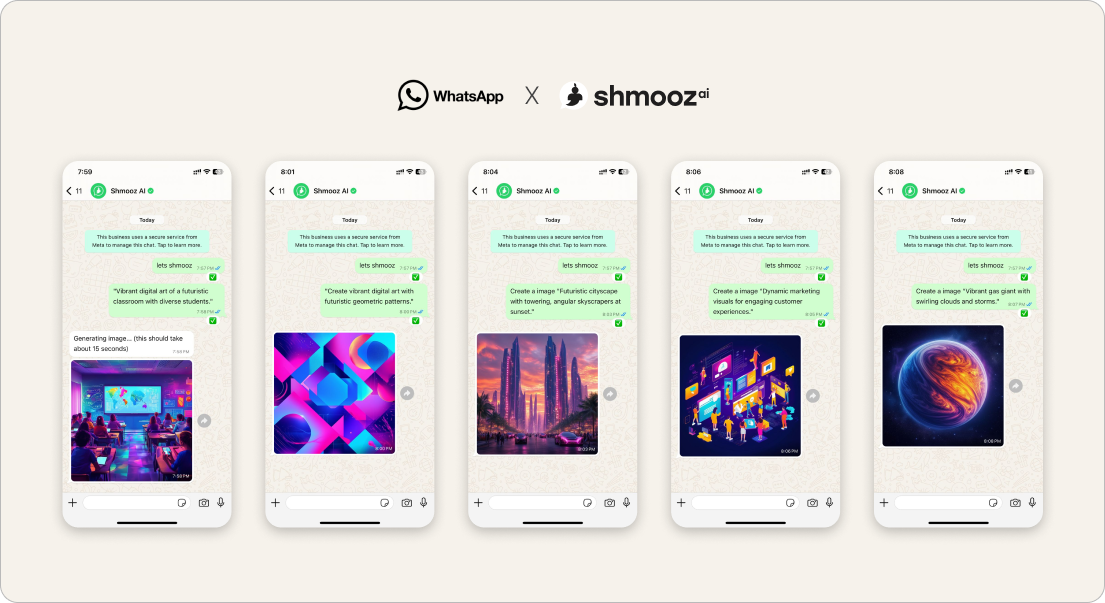
Accepting a photo is not the win. Meta and others already market photo understanding inside WhatsApp. The job people still drop is the chain after the photo: understand it → pull the facts → send a reply that sounds like them.
That is different from generating a new AI image. It builds on ask AI about a photo and extract text from an image — then finishes with a draft you paste.
Shmooz is an AI assistant inside WhatsApp for that finish. Not Meta, not WhatsApp Support, not “unlimited photo AI forever.”


Turn a photo into a reply
Send the picture to Shmooz: opinion or OCR first, then a reply draft you can paste — the chain after the photo, not generate-by-default.
The photo → reply flow
- Open Shmooz on WhatsApp and save the chat.
- Send or forward the photo (screenshot, menu, label, outfit, chat image).
- Name step one: “Honest opinion only” or “Extract prices and dates” — do not say “enhance” unless you want an edit.
- Name step two in the same thread: “Draft 3 short replies I can paste” / “Polite yes + ask one question.”
- Optional: if the next file is a multi-page PDF, summarize the PDF — docs cooled this week, so only when the file is the job.
Prompts that finish
- “Describe the product, then a friendly reply asking for size and price”
- “OCR the menu items under $20, then a message choosing two dishes”
- “Opinion on this outfit for work — then a text declining the invite politely”
- “List the form fields you can read, then a confirmation reply in my tone”
Related guides (no rebuild of yesterday’s hubs)
- Ask AI about a photo (opinion / describe)
- Extract text from an image (OCR)
- Write replies in my style
- Draft WhatsApp replies with AI
- Meta AI not working (soft alternative)
Turn a photo into a reply
Send the picture to Shmooz: opinion or OCR first, then a reply draft you can paste — the chain after the photo, not generate-by-default.
FAQ
Will Meta AI do this for free?
Sometimes Meta can look at a photo. The difference that matters is whether you get opinion/OCR and a paste-ready reply in one thread you control — without a generate push you did not ask for.
Is this the same as generate image?
No. Reply-from-photo uses the picture you already have. Generate creates a new picture from a prompt.
Is it free forever?
Try free messages first. Upgrade options appear when limits hit — we do not invent prices here.

ALL Systems Operational