
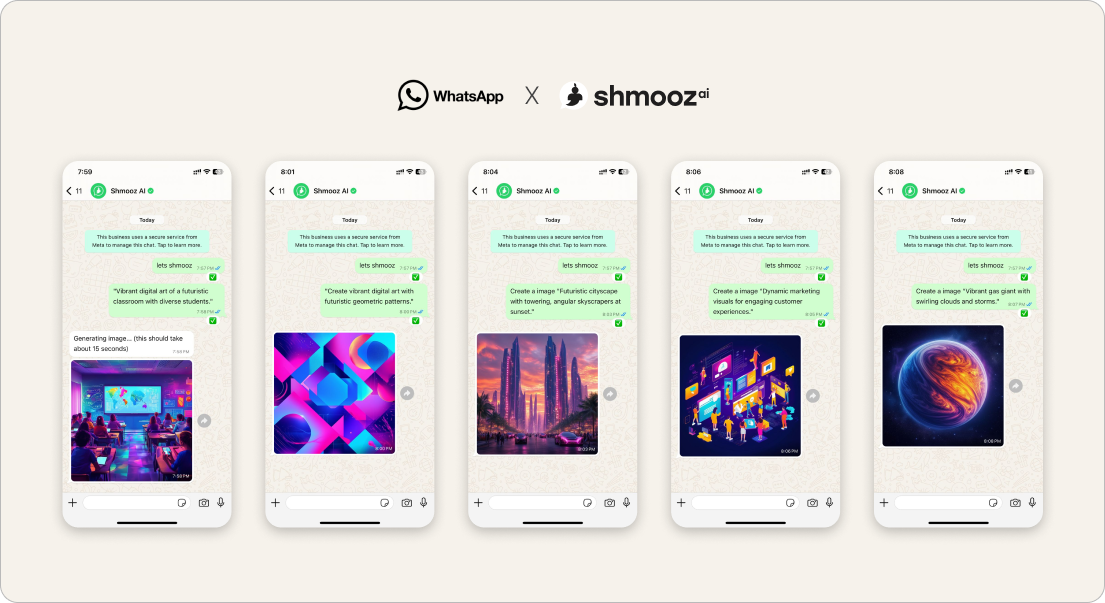
Searching edit personal photos on WhatsApp is not the same as “make a marketplace poster” or “generate a random AI picture.” Product reality from Israel: converting users often stay in a careful keep-editing loop on a photo that already matters — soft light, cleaner crop, less clutter — then sometimes draft a careful reply.
This door names that personal loop. Sibling to keep editing this photo (generic continue-edit) and marketplace ad design (commercial poster). Not adult spam — tasteful edits you control.
Shmooz sits inside WhatsApp. Not Meta, not WhatsApp Support. Free image edits are limited; ask for remaining credits when you want honesty.


Keep refining the personal photo
Send the photo once. Ask for one careful change at a time — light, crop, clutter — then keep editing. Ask how many free edits remain.
How to edit a personal photo in WhatsApp
- Open Shmooz on WhatsApp and save the chat.
- Send the personal photo once — the one already in your camera roll or chat.
- Ask for one careful change: “Softer light, same crop” or “Clean background only.”
- Say “Keep editing this photo — [next tiny change].” Do not re-upload unless the thread truly lost it.
- Ask “How many free image edits left?” before you burn the trial on endless novelty.
Prompts that protect the mood
- “Keep editing this personal photo — warmer light, natural skin.”
- “Same couple photo — straighten the horizon only.”
- “Private selfie — remove background clutter, keep my face natural.”
- After the wow: paste what you want to send → dating reply coach or letter coach.
Not the same as other image doors
- Personal photos — this page: careful private keep-editing
- Keep editing this photo — day-zero continue without re-send
- Marketplace ad — commercial poster + prices
- Photo to video — motion when you want a clip
- Ask about a photo — opinion before another render
- AI without Meta — soft alternative after remove Meta AI
Keep refining the personal photo
Send the photo once. Ask for one careful change at a time — light, crop, clutter — then keep editing. Ask how many free edits remain.
FAQ
Is this for adult or NSFW content?
No. This page is about tasteful personal photos — selfies, couple shots, private shares you already chose to send. You stay in control of every edit.
Why not just use Meta AI Side Chat?
You can. Many people remove or ignore Meta and still want keep-editing in a separate chat — see WhatsApp AI without Meta.
Is editing free forever?
No. There is a limited free try. Ask for remaining image edits when you want honesty — paid options appear when you need more.

ALL Systems Operational