
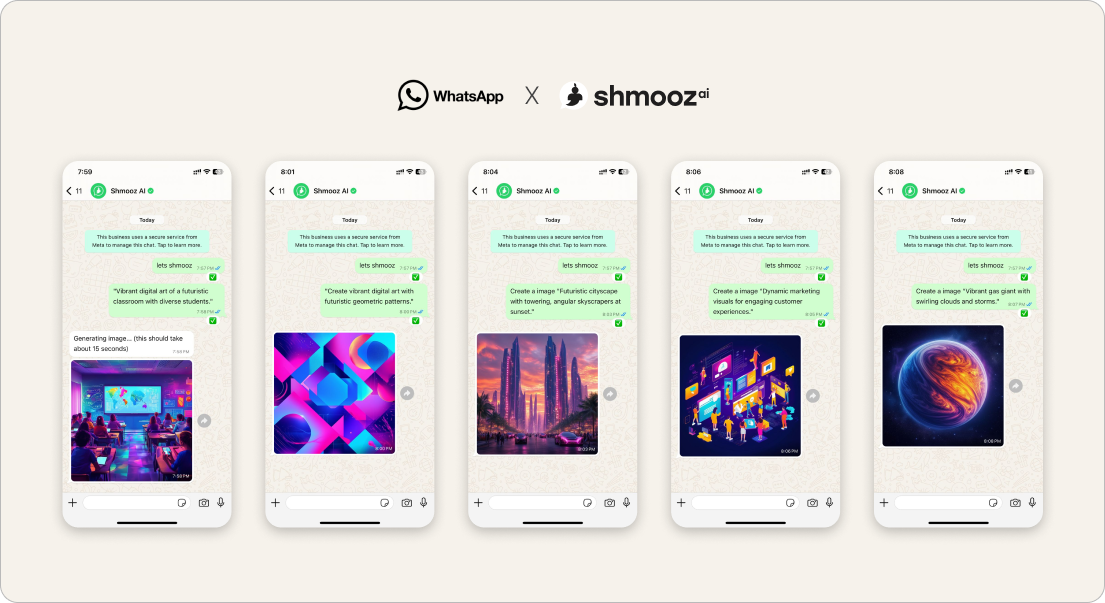
Searching edit photo with voice on WhatsApp is not “make me a transcript.” WhatsApp already does on-device voice transcripts on many phones — so “we also transcribe” is a weak hero. Product reality from Israel: people who pay often hire voice as the control stick for keep-editing — upload a photo, speak the edit, get the next image, keep talking through the next tweak.
This door names that finish. Sibling to keep editing this photo (typed continue) and forward a voice note (day-one audio TOFU). Soft-land for free voice bingers: keep talking / keep editing from your notes — before you burn credits on empty chatter.
Shmooz sits inside WhatsApp. Not Meta, not WhatsApp Support. Free turns are limited; ask how many image edits remain when you want honesty.


Speak the next edit
Photo already in chat? Send a voice note that names one change — keep talking through the next tweak. Ask how many free edits remain. You stay in control.
How to edit a photo with a voice note
- Open Shmooz on WhatsApp and save the chat.
- Send the photo once (or keep editing from the last result already in the thread).
- Send a short voice note that names one change: “Softer light, same crop” or “Remove clutter in the background only.”
- When the next image lands, speak the next tweak — don’t re-upload the same file unless the chat truly lost it.
- Ask “How many free image edits do I have left?” before you binge notes with no named edit.
Voice prompts that protect the wow
- “Keep editing this photo — warmer light, natural skin.”
- “Same image — make the text on the poster larger.”
- “One change only: straighten the horizon.”
- “How many free edits left?” — then one more spoken change or a careful reply draft.
Not the same as other voice / image doors
- Edit with voice — this page: speak the keep-editing control stick
- Keep editing this photo — typed “continue edit” without re-send
- Edit personal photos — careful private keep-editing loops
- Edit image — first typed transform
- Transcribe voice notes — text only (WhatsApp often already covers this)
- Voice → reminder / secretary — deadline nudge, not image control
- Forward voice to AI — day-one audio entry
Related jobs after the spoken wow
- Marketplace ad design — commercial poster + keep editing
- Listing caption — paste product details → text
- Draft WhatsApp replies — don’t burn the whole trial on edits only
Speak the next edit
Photo already in chat? Send a voice note that names one change — keep talking through the next tweak. Ask how many free edits remain. You stay in control.
FAQ
Why not just use WhatsApp’s built-in transcript?
Do, when you only need text. This page is for when the voice note is an edit instruction on a photo already in chat — speak the change, get the next image.
Is speaking edits free forever?
No. Free turns and image edits are limited. Ask for remaining balances when you want honesty — we don’t invent unlimited free forever.
Voice binge with no photo?
If you are only chatting until the wall, name a soft-land: keep editing from a photo, set one reminder, or draft a reply. Empty voice binges burn credits without a finish.
If you wanted to change the voice recording itself, that is can you edit a WhatsApp voice note. WhatsApp does not trim the audio. Whether a transcript notifies the sender is can someone see if you transcribe a voice note. This page stays the photo.

ALL Systems Operational