
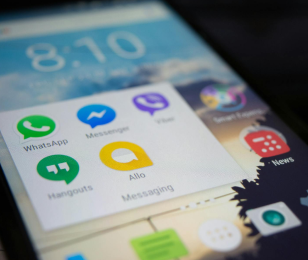
If you searched download Meta AI on WhatsApp, or تنزيل Meta AI على الواتساب, there is no file to install. The button, when an account has it, is already inside WhatsApp. It is not a separate app you add to a chat.
Installing the Meta app from the Play Store or the App Store does not create that button. An APK that promises to “add Meta AI to WhatsApp” is not WhatsApp, and it is a common way to get the account restricted. We do not publish a download link for Meta, and we cannot place the button on your account.
We are not Meta, and we are not WhatsApp Support.


The Meta button is not a download
There is no file that installs Meta AI into a WhatsApp chat. Shmooz is a separate chat you open from a link. We are not Meta.
This is not the other Meta pages
- You want to download or add the button — stay here. The answer is that there is nothing to install.
- The button is missing — Meta AI not showing. That title stays. Updating WhatsApp does not guarantee the button arrives.
- The chat opens and stays quiet — Meta AI not responding. We cannot make Meta reply.
- An error, or it will not open — Meta AI not working. That title stays.
- WhatsApp Business — a different app. See Meta AI on WhatsApp Business.
- Turn it off — a different job. English: remove Meta AI. Arabic and Hebrew pages that already get clicks keep their titles: إزالة ميتا and להסיר מטא AI. Deleting the Meta app from the phone does not remove the button, and it does not add it either. That search is delete the Meta app from the phone.
If you wanted an AI chat, not Meta’s button
Shmooz is a separate chat inside WhatsApp. You open it from a link. It is not an APK, and it is not Meta AI. You send the message yourself. That does not install Meta’s button.
The Meta button is not a download
There is no file that installs Meta AI into a WhatsApp chat. Shmooz is a separate chat you open from a link. We are not Meta.
FAQ
Where do I download Meta AI for WhatsApp?
You don’t. There is no official installer that adds the button to a chat. If WhatsApp does not show it on this account, we cannot create it.
Will reinstalling WhatsApp add Meta AI?
No. Reinstalling the app you already use does not force Meta to turn the feature on for that account.
Are you Meta?
No. We do not publish a support number, and we do not unlock accounts.

ALL Systems Operational