
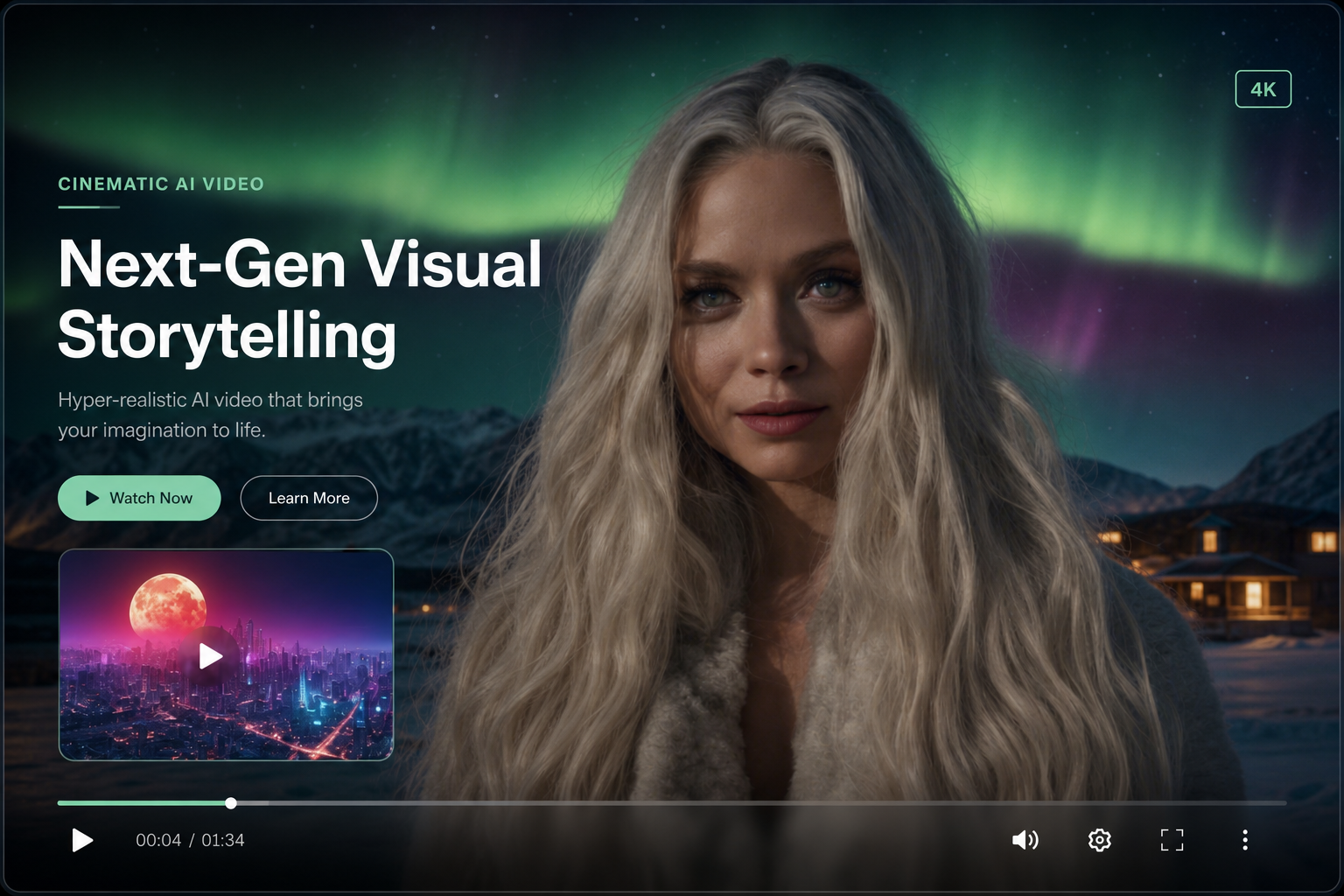
Text to video AI builds motion from a written prompt — no source image required. On WhatsApp with Shmooz, type a scene description like "sunset over Tel Aviv beach, gentle waves, cinematic" and receive a short AI-generated clip.
Text-to-video vs image-to-video
Image-to-video animates an existing photo. Text-to-video creates the scene from scratch — better when you have an idea but no visual asset yet.


Create AI video on WhatsApp
Image-to-video & text-to-video — 2–10 second clips in one chat
Prompt tips for better AI video
- Include subject, setting, lighting, and motion
- Keep prompts focused — one scene per clip
- Add style words: cinematic, slow motion, product ad
- Specify duration: 2, 5, or 10 seconds in Shmooz
Use cases for text-to-video on WhatsApp
Social media teasers, ad concepts, mood boards, and rapid creative prototyping — all without opening a video editor.
Create AI video on WhatsApp
Image-to-video & text-to-video — 2–10 second clips in one chat
Try text-to-video AI on WhatsApp: open Shmooz, describe your scene, and share the result. Explore AI video generation →
Want chat + video in one place? Start with free ChatGPT on WhatsApp.

ALL Systems Operational