
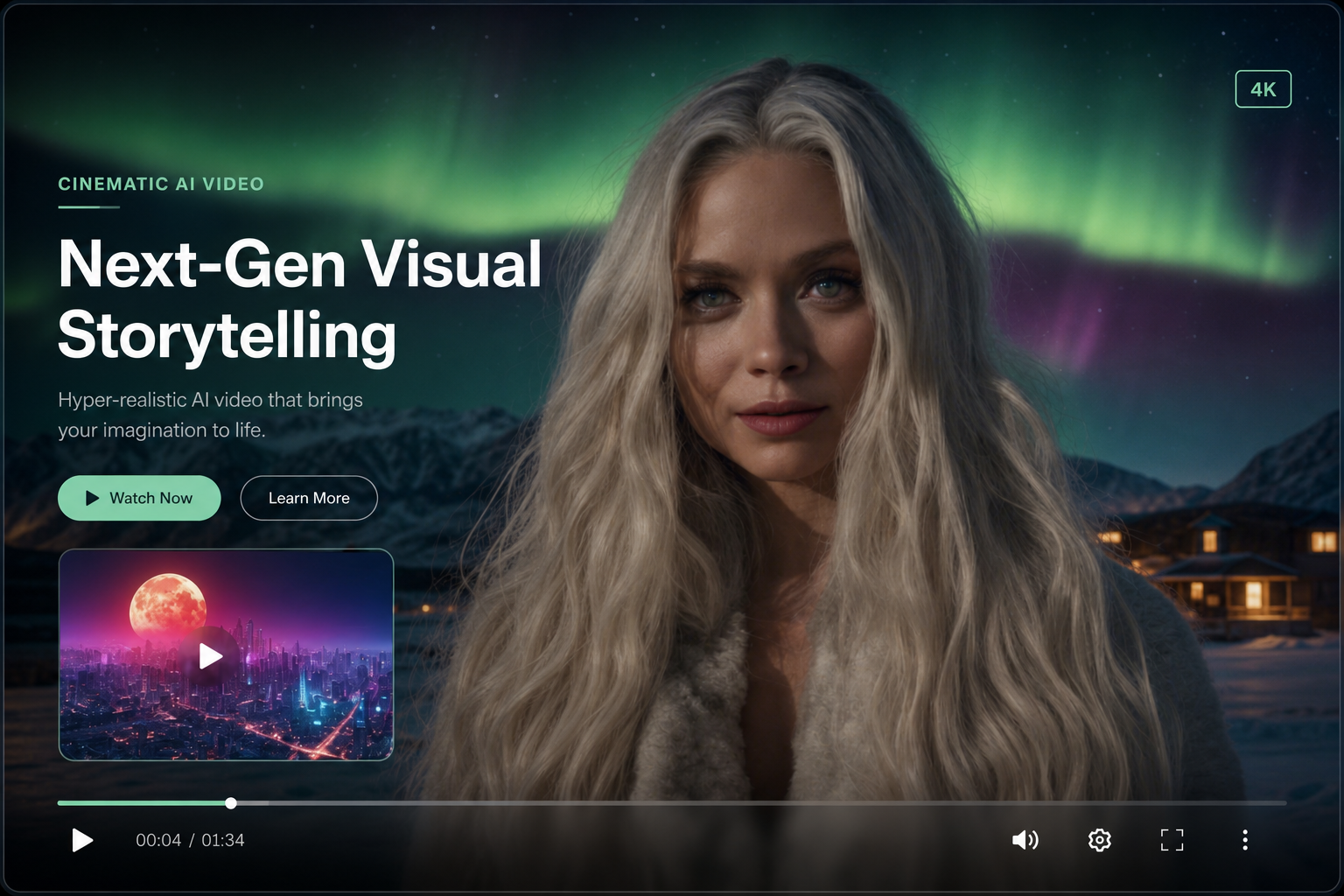
Converting a photo to video on WhatsApp takes under a minute with Shmooz. This guide walks through every step from image selection to sharing your clip.
Step 1: Choose your photo
Use clear, well-lit images. Product photos on white backgrounds, portraits, and landscapes work best.


Create AI video on WhatsApp
Image-to-video & text-to-video — 2–10 second clips in one chat
Step 2: Write your motion prompt
Be specific: "camera slowly pushes in" beats "make it move." Include direction, speed, and environmental effects.
Step 3: Select duration & generate
Pick 2, 5, or 10 seconds. Longer clips use more credits. Confirm and wait ~30–90 seconds for delivery.
Create AI video on WhatsApp
Image-to-video & text-to-video — 2–10 second clips in one chat

ALL Systems Operational